
If you have ever played a game directly in your web browser without installing anything, there is a good chance it was an HTML5 game. But what exactly does that mean, and why has HTML5 become the standard for online gaming? This guide explains everything in simple terms.
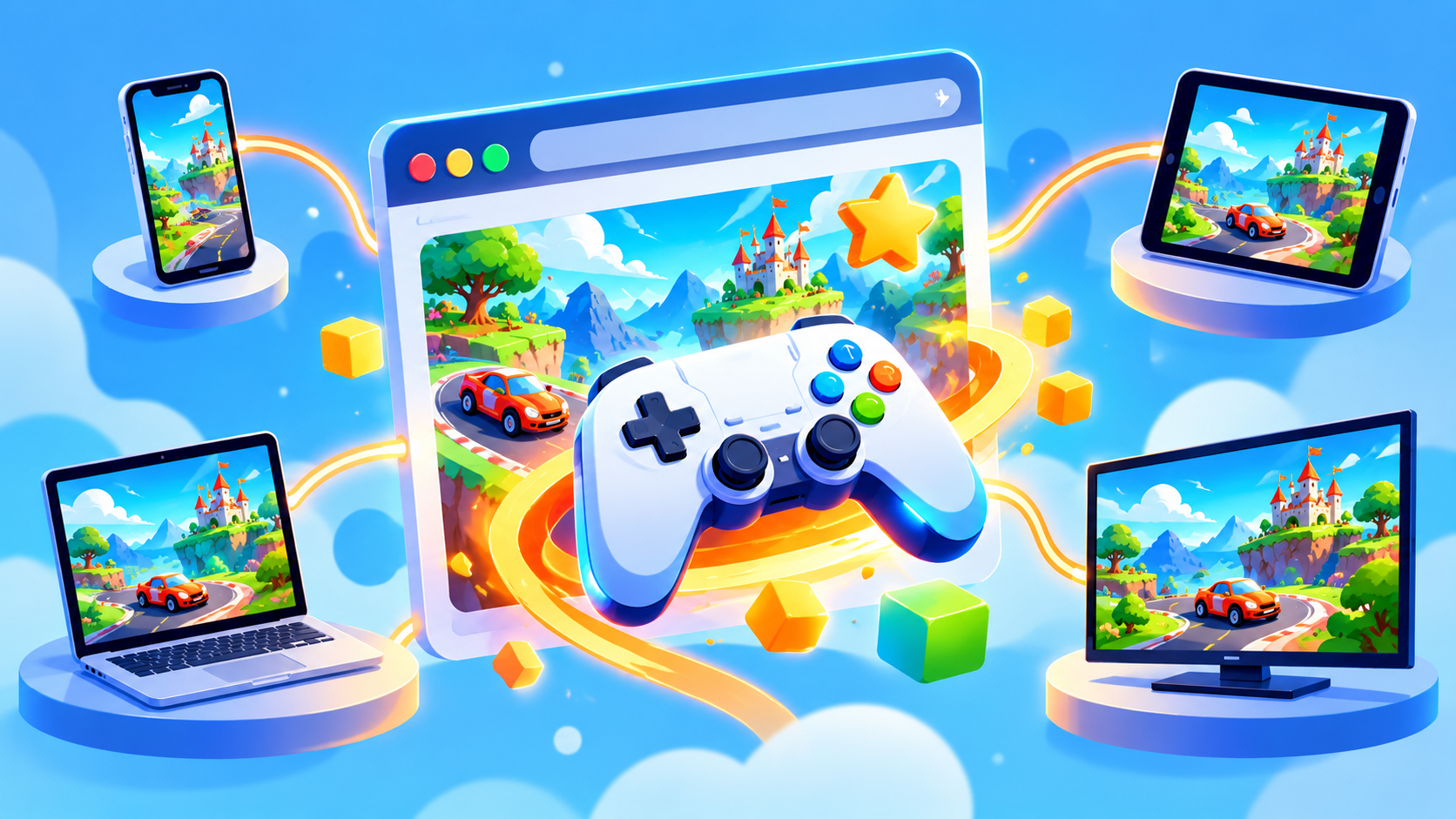
HTML5 Games Explained
HTML5 is the modern version of the language used to build web pages. Combined with JavaScript and technologies like Canvas and WebGL, it allows developers to create full games that run inside any browser. There is no plugin, no installer, and no extra software required.
In simple words: if your browser can open a website, it can run an HTML5 game.
What Happened to Flash Games?
For many years, browser games depended on Adobe Flash Player. Flash was popular, but it had serious problems: security weaknesses, heavy battery use, and no support on most phones. Adobe officially ended support for Flash at the end of 2020, and browsers removed it completely.
HTML5 stepped in as the faster, safer, and more flexible replacement. Today, nearly every major browser game site, including unique100.com, relies on HTML5.
Key Benefits of HTML5 Games
- Instant play: No downloads or installs, just click and start.
- Cross-platform: One game works on Windows, Mac, Linux, Android, iOS, and Chromebooks.
- Better security: Games run inside the browser sandbox, which protects your device.
- Mobile friendly: Touch controls and responsive screens are built in.
- Fast updates: Developers can improve a game, and you get the latest version automatically.
- Low system requirements: Even older computers can run most HTML5 games.
HTML5 Games vs Downloaded PC Games
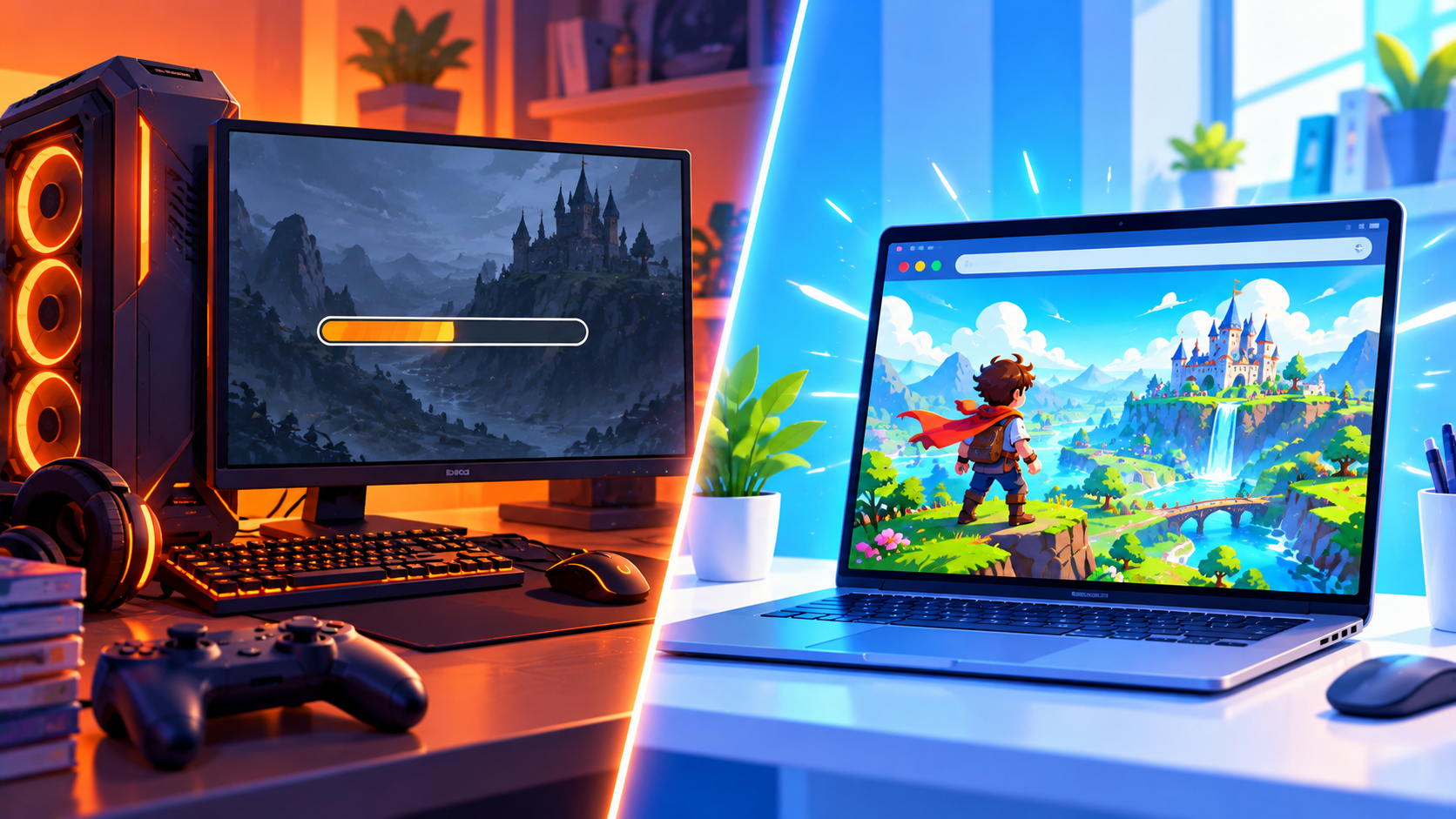
Both have their place, but they serve different needs. Here is a quick comparison:
- Setup: HTML5 games need no setup. PC games need downloads and installation, often several gigabytes.
- Cost: HTML5 games are usually free. Many PC games must be purchased.
- Graphics: PC games offer higher-end visuals. HTML5 games focus on smooth, stylized graphics.
- Hardware: HTML5 games run on almost anything. PC games may need a powerful graphics card.
- Session length: HTML5 games are great for short bursts. PC games often suit longer sessions.
What Kinds of Games Can You Play in HTML5?
The variety is much bigger than most people expect. HTML5 supports:
- Arcade and action games
- Puzzle, word, and board games
- Racing and driving games
- Sports and simulation games
- Strategy and tower defense games
- Multiplayer and io-style games
- 3D games powered by WebGL
How Do HTML5 Games Work?
- You open the game page in your browser.
- The browser downloads small game files (code, images, and sounds) in the background.
- JavaScript runs the game logic, such as movement, scoring, and collisions.
- The Canvas or WebGL system draws the graphics on your screen in real time.
- Your keyboard, mouse, or touch input controls the action.
Most of this happens in just a few seconds, which is why games feel instant.
Do HTML5 Games Work Offline?
Some can, but most need an internet connection to load and to save scores. A few advanced games use browser storage to remember your progress, so you can continue where you stopped next time.
Are HTML5 Games Safe?
Generally, yes. Because they run inside your browser's protected environment, they cannot install programs on your computer the way old downloadable games could. To stay safe, play on trusted gaming websites, keep your browser updated, and avoid any site that asks you to download an extra file just to play.
Frequently Asked Questions
Is HTML5 the same as JavaScript?
No. HTML5 builds the structure of the page, while JavaScript adds the logic and interactivity. Games use both together.
Do I need a good computer to play HTML5 games?
Not at all. Most run well on basic laptops, phones, and Chromebooks.
Why do some HTML5 games load slowly?
Slow loading is usually caused by a weak internet connection, too many open tabs, or a large game file. Closing other tabs often helps.
Final Thoughts
HTML5 has completely changed how we play games online. It is fast, free, safe, and works everywhere. Ready to see what it can do? Explore the full collection at unique100.com and try a game right now.