
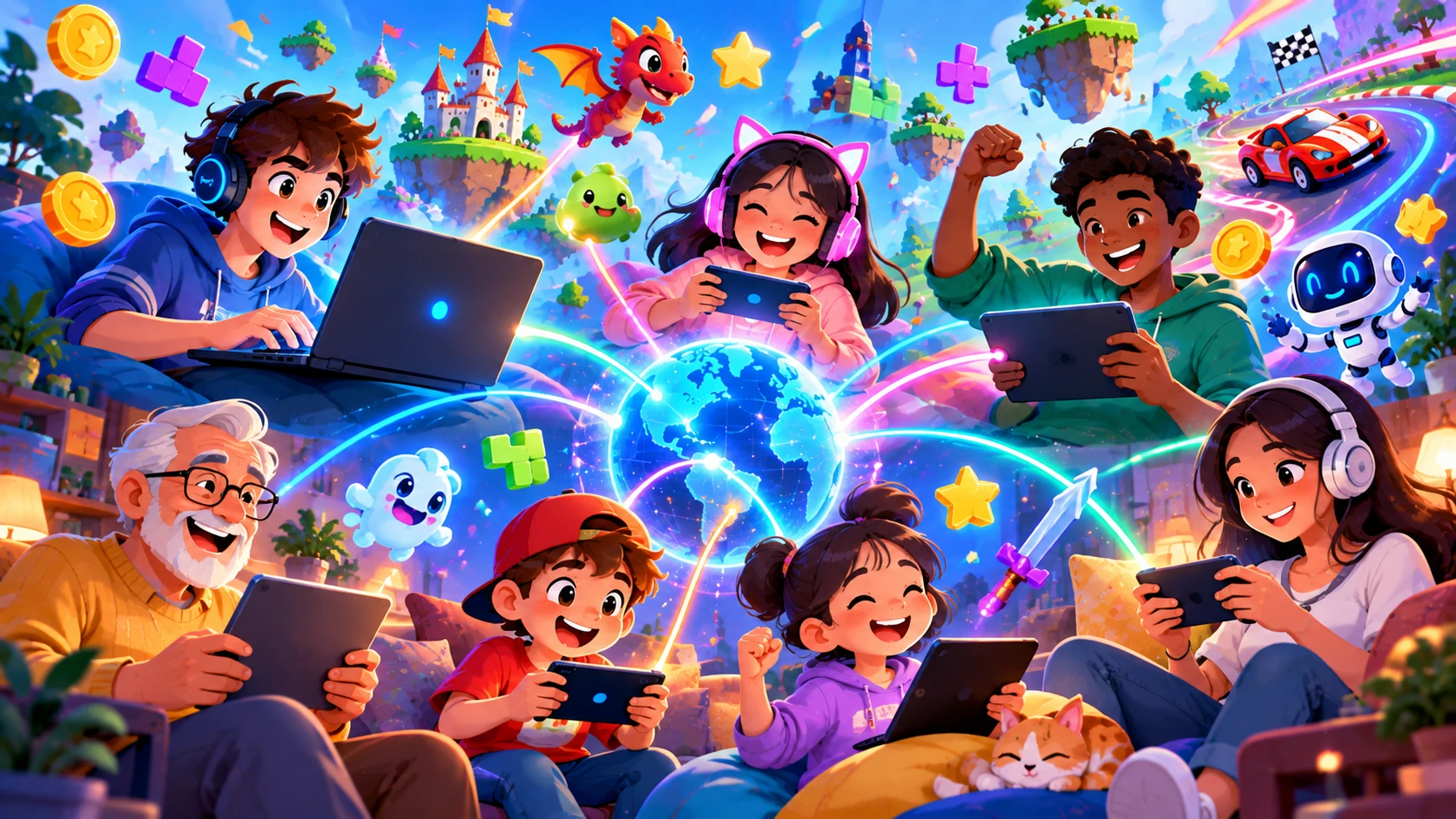
Games are always more fun with other people. The good news is that you do not need a console, a high-end PC, or even a download to play with friends. Free multiplayer browser games let you share a link, jump into a match, and start competing in minutes.
This guide covers the best styles of multiplayer browser games, how to set up a game with friends, and tips to make every match more enjoyable.

Types of Multiplayer Browser Games
1. Local Two-Player Games
Two players share the same keyboard or screen. One uses the WASD keys and the other uses the arrow keys. These games are ideal when your friend is sitting next to you and you want a quick head-to-head match. Popular styles include soccer, boxing, racing, and arcade fighting games.
2. Online Real-Time Multiplayer Games
In these games, you play against real people from around the world, or with friends through a private room. Typical examples include io-style arena games, card games, board games, and fast action matches. You only need an internet connection and a browser.
3. Turn-Based Multiplayer Games
Chess, Ludo, Carrom, checkers, and word battles are perfect if you want a relaxed pace. You make your move, then your friend makes theirs. These games are great for playing across different time zones.
4. Co-Op Games
Instead of competing, you team up against the game. Co-op puzzle and platformer games reward communication and teamwork, which makes them a great way to bond with friends and family.
How to Play Browser Games With Friends
- Choose a game that supports multiplayer or private rooms.
- Open the game on your device and look for options such as Create Room, Invite Friend, or Play With Friends.
- Copy the room link or code and share it through WhatsApp, Instagram, or Discord.
- Wait for your friends to join, then start the match.
- Use voice chat on a separate app if the game has no built-in chat.
Tips for a Better Multiplayer Experience
- Use a stable connection: Wi-Fi or a wired connection reduces lag and disconnections.
- Close background downloads: Streaming and large downloads can slow your game.
- Pick the right game for the group: Choose easy games if some players are beginners.
- Set simple rules: For local play, agree on the number of rounds or points before starting.
- Keep it friendly: Remember that the goal is fun, not just winning.
Best Multiplayer Game Ideas for Different Groups
- For two close friends: Local two-player sports or fighting games.
- For a group of four or more: Party games, card games, and trivia battles.
- For family time: Board games like Ludo, chess, and word games.
- For competitive players: Real-time arena games with leaderboards.
- For relaxed hangouts: Co-op puzzle and drawing games.
Is Online Multiplayer Safe?
Online play is safe when you follow a few simple habits. Never share personal details like your address, phone number, or school name in chat. Use a nickname instead of your real name. Block or report players who behave badly, and take a break if a game starts feeling stressful.
Frequently Asked Questions
Can I play multiplayer games without creating an account?
Yes, many browser multiplayer games let you pick a nickname and play immediately.
Do both players need the same device?
No. In online multiplayer games, one friend can use a laptop while another uses a phone, as long as the game supports both.
Why does my multiplayer game lag?
Lag usually comes from a slow internet connection or too many apps running at once. Restart your router, close other tabs, and try again.
Gather Your Squad
The best moments in gaming happen when you play together. Pick a game, send the link to your friends, and enjoy the match. Browse the multiplayer collection at unique100.com and start your next game night today.