
Does your computer have only basic integrated graphics, limited RAM, or an aging processor? You might think modern gaming is out of reach, but that is far from true. Many browser games are designed to be lightweight, and they run perfectly on PCs without a dedicated graphics card.
This guide explains why some games run better than others, what to look for, and which game styles are the safest bets for low-end computers.
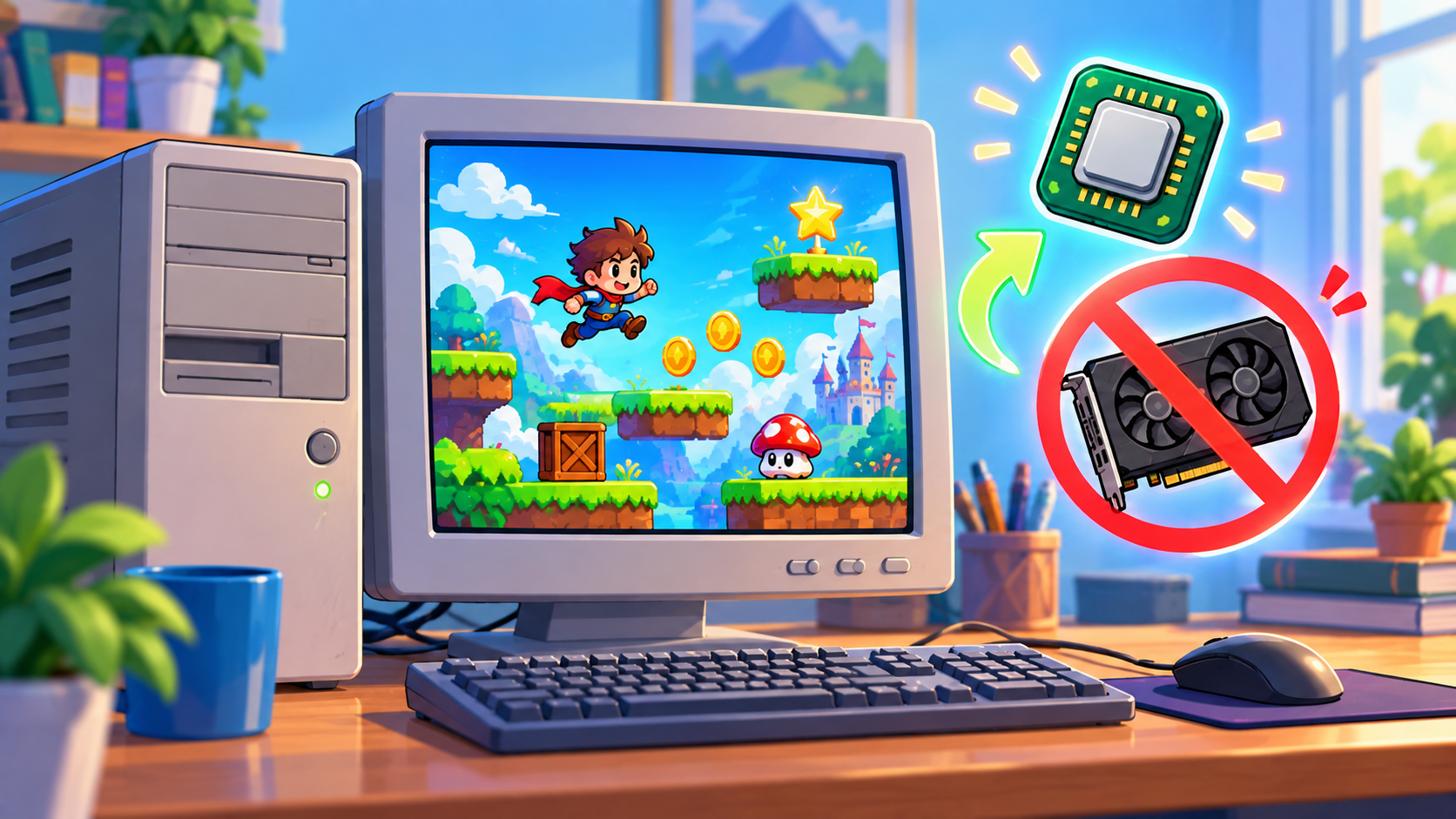
Integrated Graphics vs Graphics Card: What It Means
A graphics card (GPU) is a separate part built to draw complex 3D scenes quickly. Many budget laptops and office PCs do not have one. Instead, they use integrated graphics built into the processor. Integrated graphics are fine for 2D games, puzzles, and simple 3D, but they struggle with heavy, realistic visuals.
Browser games solve this problem in two ways: they are usually smaller and simpler, and they run inside the browser, which is optimized to use whatever hardware you have.
What Makes a Game Lightweight?
- 2D graphics: Flat or pixel-style visuals need very little processing power.
- Small file size: The game loads fast and uses less memory.
- Simple effects: Fewer particles, shadows, and animations reduce the load.
- Turn-based design: Games that do not need constant movement are easier on weak hardware.
- Canvas-based rendering: Standard 2D HTML5 Canvas games are generally lighter than complex 3D WebGL games.
Best Game Types for PCs Without a Graphics Card
Puzzle Games
Sudoku, match-three, and sliding puzzles use almost no processing power and run smoothly even on very old computers.
Card and Board Games
Solitaire, chess, checkers, and Ludo are mostly static boards with small animations, which makes them extremely light.
Pixel-Art Platformers and Arcade Games
Retro-style games look charming and are designed to run on tiny hardware. They offer fast action without strain.
Idle and Clicker Games
These games rely on numbers and menus rather than graphics, so even the weakest PC handles them easily.
Simple Racing and Sports Games
Look for top-down or side-view racing and sports games. They provide exciting competition with far lower demands than realistic 3D titles.
Games to Avoid on a Low-End PC
- Large 3D worlds with detailed textures
- Games with heavy lighting, shadows, and reflections
- Titles with many players and effects on screen at once
If a game makes your fan spin loudly or your screen stutter, it is probably too heavy. Switch to a lighter option instead of forcing it.
How to Check If a Game Will Run Well
- Look at the style: Flat, cartoon, or pixel graphics are usually safer.
- Watch the loading time: Very long loading often means a large, heavy game.
- Test for a minute: If it runs smoothly for the first minute, it will usually stay stable.
- Check the task manager: Press Ctrl + Shift + Esc on Windows to see memory and CPU usage.
Settings That Help Weak PCs
- Close all other tabs and programs before gaming.
- Use a modern, updated browser for better performance.
- Turn off heavy extensions that run in the background.
- Lower the game quality setting if available.
- Keep your PC cool and dust-free so it does not slow down from overheating.
Frequently Asked Questions
Can integrated graphics run browser games?
Yes. Most 2D browser games and many simple 3D games run well on integrated graphics.
How much RAM do I need?
Many lightweight games run on 4 GB of RAM. If you have less, close other programs and choose simple games.
Will upgrading my browser help?
Often yes. Newer browser versions include performance improvements that make games smoother.
You Do Not Need a Gaming PC to Have Fun
Great gameplay comes from smart design, not just powerful hardware. Explore the lightweight game collection at unique100.com and play instantly on your current computer.