
Browser games are free, quick, and fun, but a common question is whether they are safe. The honest answer is that most well-run gaming sites are perfectly fine, but the internet does contain risky corners. Knowing what to look for helps you enjoy your games without worry.
This guide explains the real risks, how HTML5 improved safety, and practical steps to protect yourself.
Are Browser Games Safe by Default?
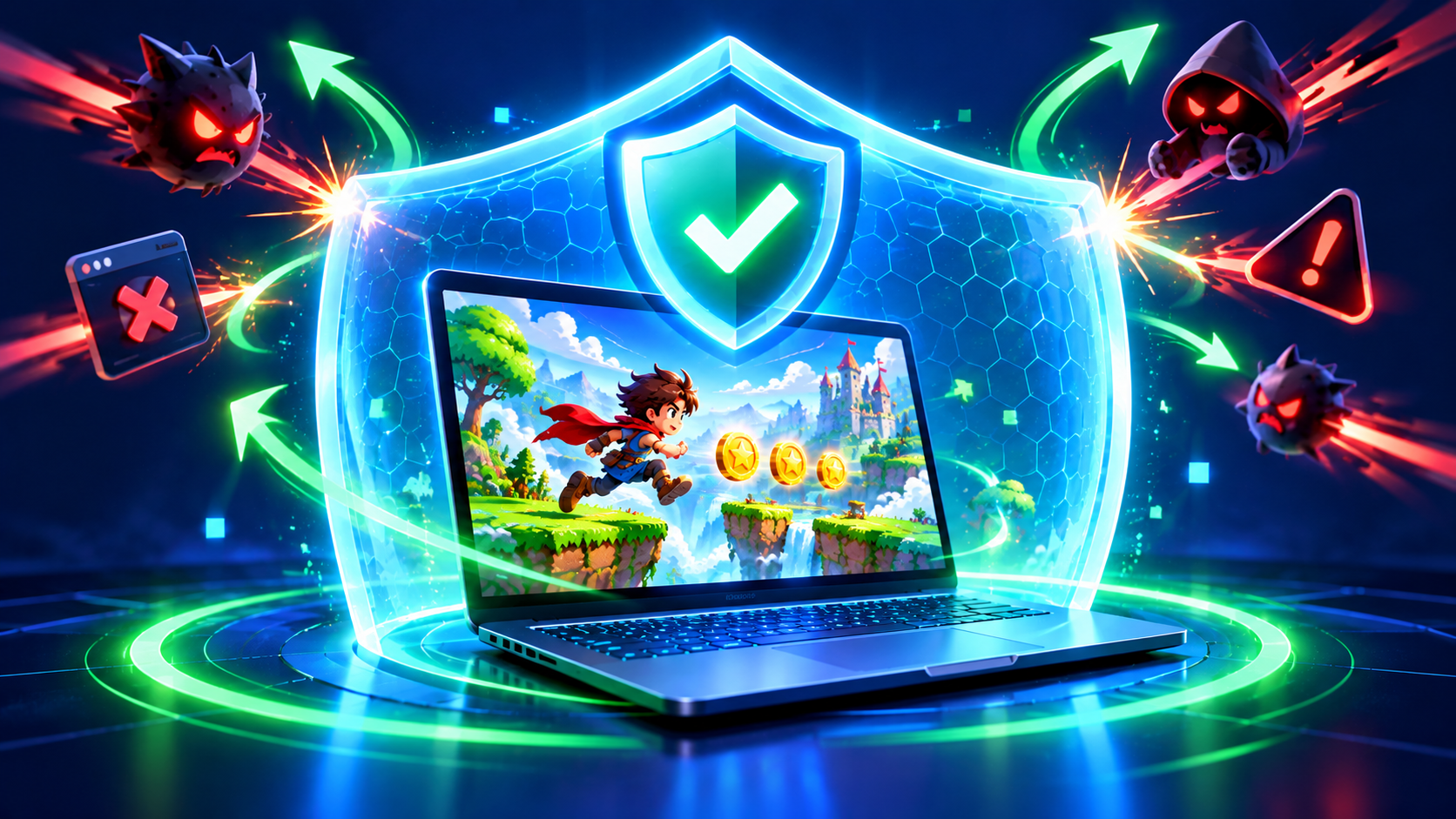
Modern HTML5 games run inside your browser's protected environment, often called a sandbox. This means a normal game cannot freely access your files or install programs. That is a big improvement over the old plugin days. However, risks can still come from the website around the game, such as misleading ads, fake download buttons, or sites that try to collect personal data.
Common Risks to Know About
- Fake download prompts: Pages that tell you to download a special player or update before playing.
- Misleading ads: Ads that look like game buttons or show alarming warnings.
- Phishing pages: Sites that pretend to be login screens to steal passwords.
- Excessive permissions: Requests for notifications, location, or camera that a game does not need.
- Data collection: Websites that ask for unnecessary personal details.
- In-game scams: Chat messages offering free items, links, or rewards.
Warning Signs of an Unsafe Game Site
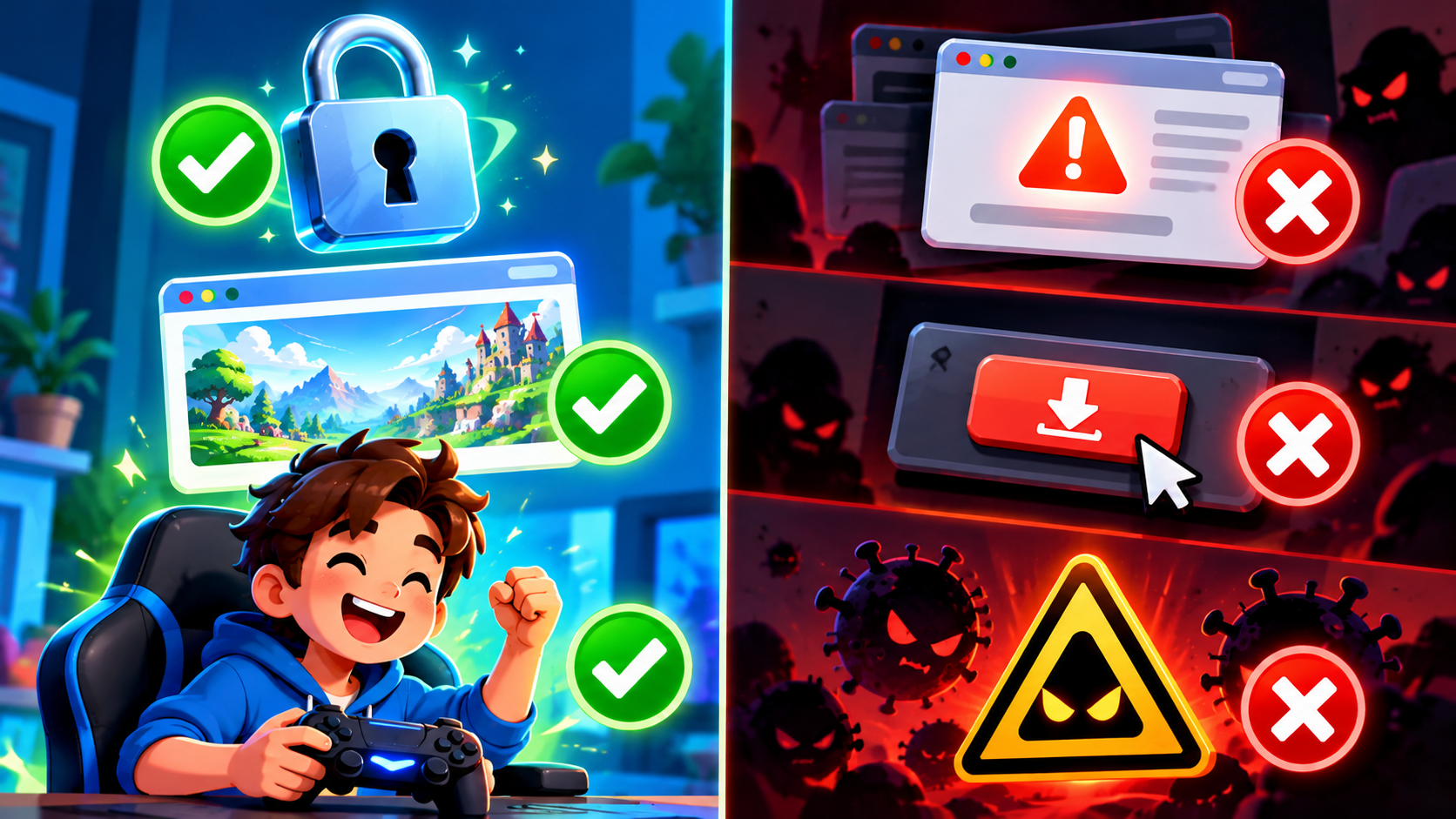
- It says you must install software to play a normal browser game.
- It floods you with pop-ups, redirects, or fake virus warnings.
- The address does not use HTTPS (no padlock icon in the browser).
- It asks for a phone number, card details, or home address for a free game.
- The site looks messy, copied, or full of broken links.
- It promises unrealistic prizes or free money.
10 Tips to Protect Yourself While Gaming Online
- Play on trusted websites: Stick with well-organized sites that have clear categories and a clean design.
- Never download extra files to play: A real HTML5 game runs directly in your browser.
- Keep your browser updated: Updates include important security fixes.
- Check for HTTPS: Look for the padlock icon next to the web address.
- Be careful with permissions: Deny notification, location, and camera requests that make no sense.
- Do not click suspicious ads: If an ad looks like a fake warning or prize, ignore it.
- Use strong, unique passwords: Never reuse your email or banking password on a game site.
- Avoid sharing personal information: Use a nickname instead of your real name.
- Be cautious in chat: Do not click links from strangers or accept offers that sound too good to be true.
- Consider security software: A reputable antivirus and a good ad-blocking approach can add protection.
Safety Tips for Parents
- Check what your child is playing and who they are talking to.
- Choose games without forced chat or inappropriate content.
- Set up parental controls in the browser or device.
- Teach children never to share their address, school, or passwords.
- Encourage them to tell you if something feels strange.
What to Do If Something Goes Wrong
- Close the tab: Do not click anything on the suspicious page.
- Clear your browser data: Remove cookies and cache if the site behaved strangely.
- Run a security scan: Use your antivirus to check your device.
- Change your passwords: Especially if you entered any on a suspicious page.
- Report the site: Most browsers allow you to report unsafe pages.
Frequently Asked Questions
Can a browser game give my computer a virus?
A normal HTML5 game running in the browser is unlikely to, but unsafe websites can trick you into downloading harmful files. Never download extra software to play.
Are free games less safe than paid ones?
Not necessarily. Safety depends on the website and the way it earns money, not on whether the game is free.
Is it safe to play browser games at school or work?
It can be, but follow your organization's rules and avoid sites that your administrator has restricted.
Play Smart, Play Safe
With a few smart habits, browser games are a safe and enjoyable hobby. Stay alert, trust your instincts, and enjoy the collection at unique100.com.