
Not long ago, playing a game in a browser meant installing a plugin and hoping it worked. Today, you just open a page and play. This shift happened because of HTML5 and a group of powerful web technologies working together inside the browser.
This article explains how HTML5 rose to dominate browser gaming and what technologies power the games you play today.
What Is HTML5?
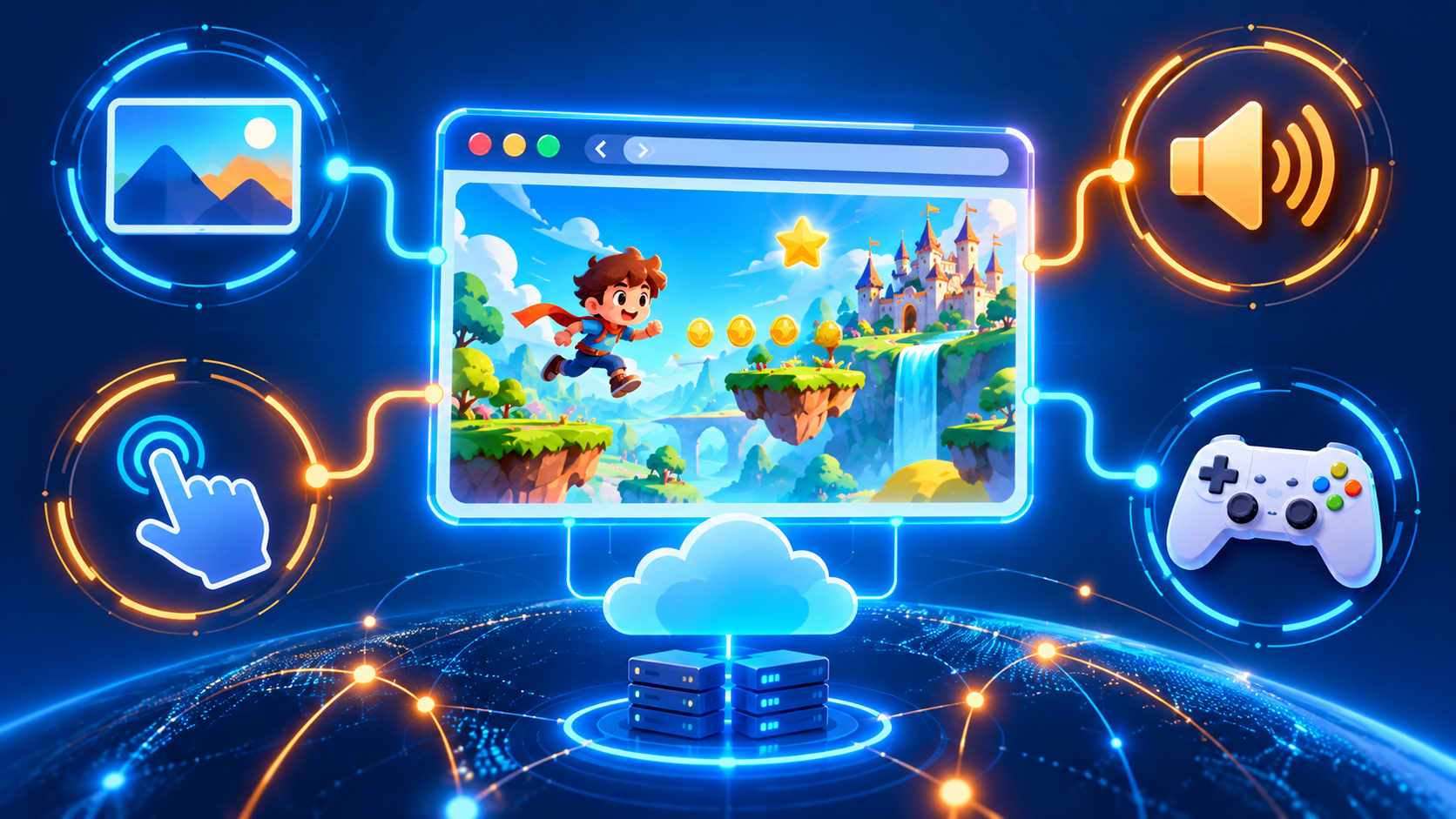
HTML5 is the fifth major version of HTML, the standard language of web pages. It was designed to let browsers handle graphics, audio, video, and interaction natively, without outside plugins. HTML5 became an official recommendation from the World Wide Web Consortium (W3C) in 2014, and it has continued to grow through ongoing web standards.
The Building Blocks Behind HTML5 Games
1. The Canvas Element
Canvas gives developers a blank drawing area where they can render images, shapes, and animations frame by frame. It is the foundation of most 2D browser games.
2. WebGL
WebGL allows browsers to use your device's graphics hardware to draw detailed 2D and 3D scenes. It makes more advanced visuals possible without plugins.
3. JavaScript Engines
Modern browsers include very fast JavaScript engines. These run the game logic, such as movement, scoring, and collisions, smoothly.
4. Web Audio
The Web Audio API lets games play music and sound effects with precise timing and mixing, adding atmosphere and feedback.
5. Touch, Keyboard and Gamepad Input
Browsers can read touch screens, keyboards, mice, and connected gamepads. This lets one game work on many devices.
6. WebAssembly
WebAssembly enables high-performance code to run in the browser at speeds close to native programs. Developers use it to bring more complex games to the web.
7. Service Workers and Offline Features
Service workers can store game files so a game loads faster on return visits and sometimes works even with a poor connection.
Tools That Make Building HTML5 Games Easier
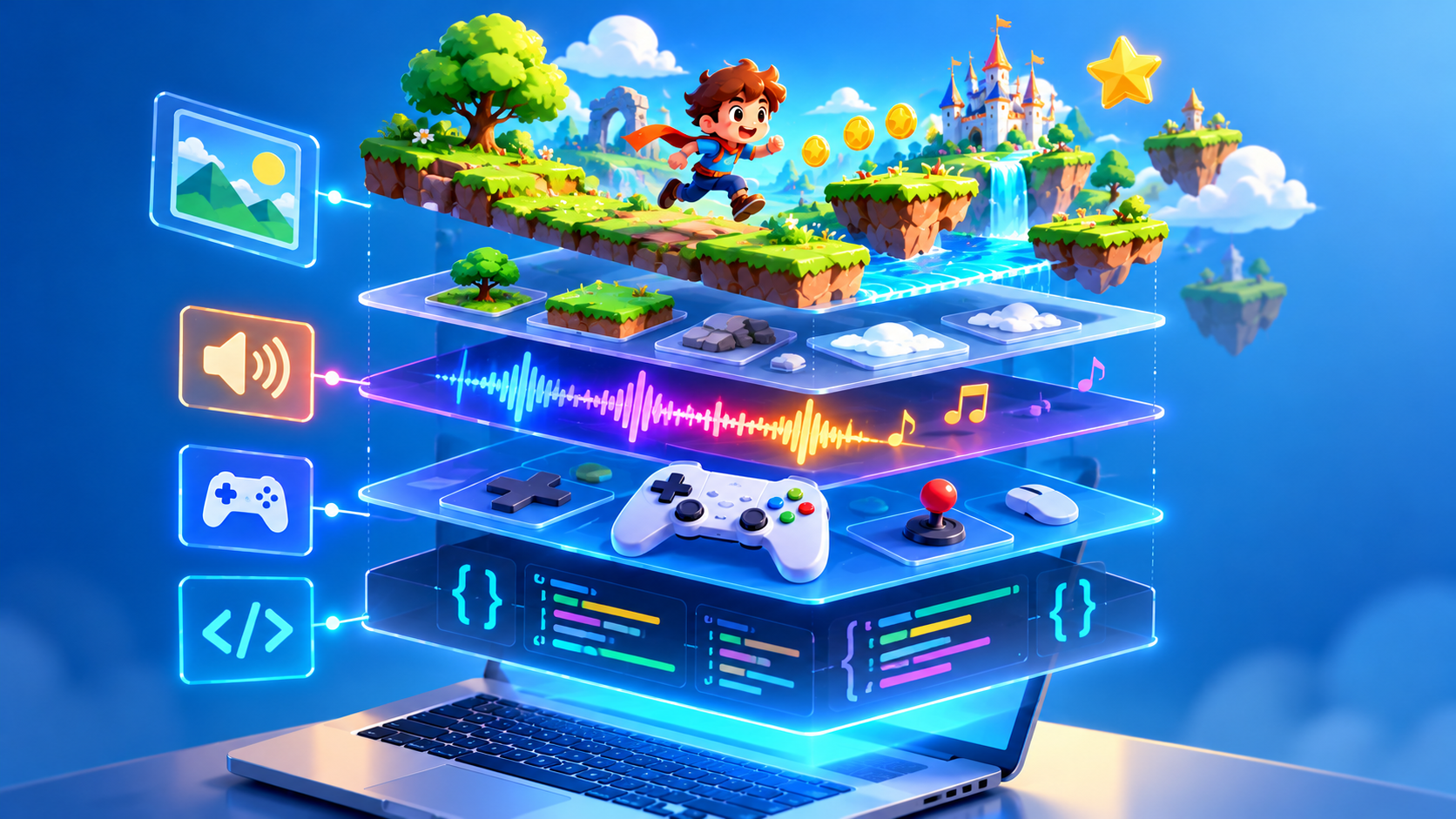
Developers today have many tools. Frameworks designed for 2D web games, as well as popular game engines that can export to the web, help creators publish to browsers more easily. This has led to a growing number of high-quality independent games.
Why HTML5 Won
- No plugin required: Everything works natively in the browser.
- Runs on many devices: Computers, phones, and tablets can run the same game.
- Better safety: Browser sandboxing protects your device.
- Easy sharing: A game is just a link away.
- Open standards: Anyone can learn and build with them.
- Constant improvement: Browsers keep adding performance and features.
How an HTML5 Game Runs, Step by Step
- You open the game page in your browser.
- The browser downloads the game files, such as code, images, and sounds.
- JavaScript starts the game loop, which updates the game many times per second.
- Canvas or WebGL draws each frame on your screen.
- Your input is read and the game responds instantly.
- Audio plays through the Web Audio system.
What Is Next for Browser Games?
Browser technology keeps moving forward. Newer graphics standards, faster code execution, and better offline support are making web games more capable every year. Developers are able to build richer worlds, smoother multiplayer, and more polished experiences, all without asking players to install anything.
Frequently Asked Questions
Do HTML5 games need any plugin?
No. Modern browsers include everything needed to run them.
Is HTML5 only for simple games?
Not anymore. It started with simple games, but modern technologies allow detailed 2D and even impressive 3D experiences.
Will HTML5 games replace downloaded games?
Both have strengths. Downloaded games still lead for the most demanding titles, while browser games lead in convenience and accessibility.
The Future Is Already in Your Browser
HTML5 turned the browser into a real gaming platform. Experience it yourself by exploring the latest games at https://www.unique100.com.