

Your friends might live in another city, another country, or just another room, but that should not stop you from having a great gaming session. Online multiplayer browser games let you meet up in a shared match from anywhere, using nothing but a web browser and an internet connection.
This guide focuses on playing with friends who are far away: which game styles work best, how to organize a game night, and how to keep everything smooth and friendly.

Why Play Multiplayer Browser Games Online?
- No setup: Nobody has to install or download anything.
- Play across devices: One friend can use a laptop while another uses a phone.
- Instant invites: Share a link or room code and start in minutes.
- Stay connected: Games are a fun way to keep in touch with distant friends and family.
Best Styles of Online Multiplayer Games
1. Arena and IO-Style Games
Everyone joins the same arena and competes to grow, survive, or score. Matches are short, rules are simple, and you can play alongside many people at once.
2. Card and Board Games
Classic games like Ludo, chess, carrom, and card games work wonderfully online. Turn-based play means small delays do not matter.
3. Party and Quiz Games
Trivia battles, drawing and guessing games, and word challenges are perfect for groups of different ages and skill levels.
4. Sports and Racing Games
Compete in quick matches such as football, basketball, or races. Head-to-head matches are exciting and easy to understand.
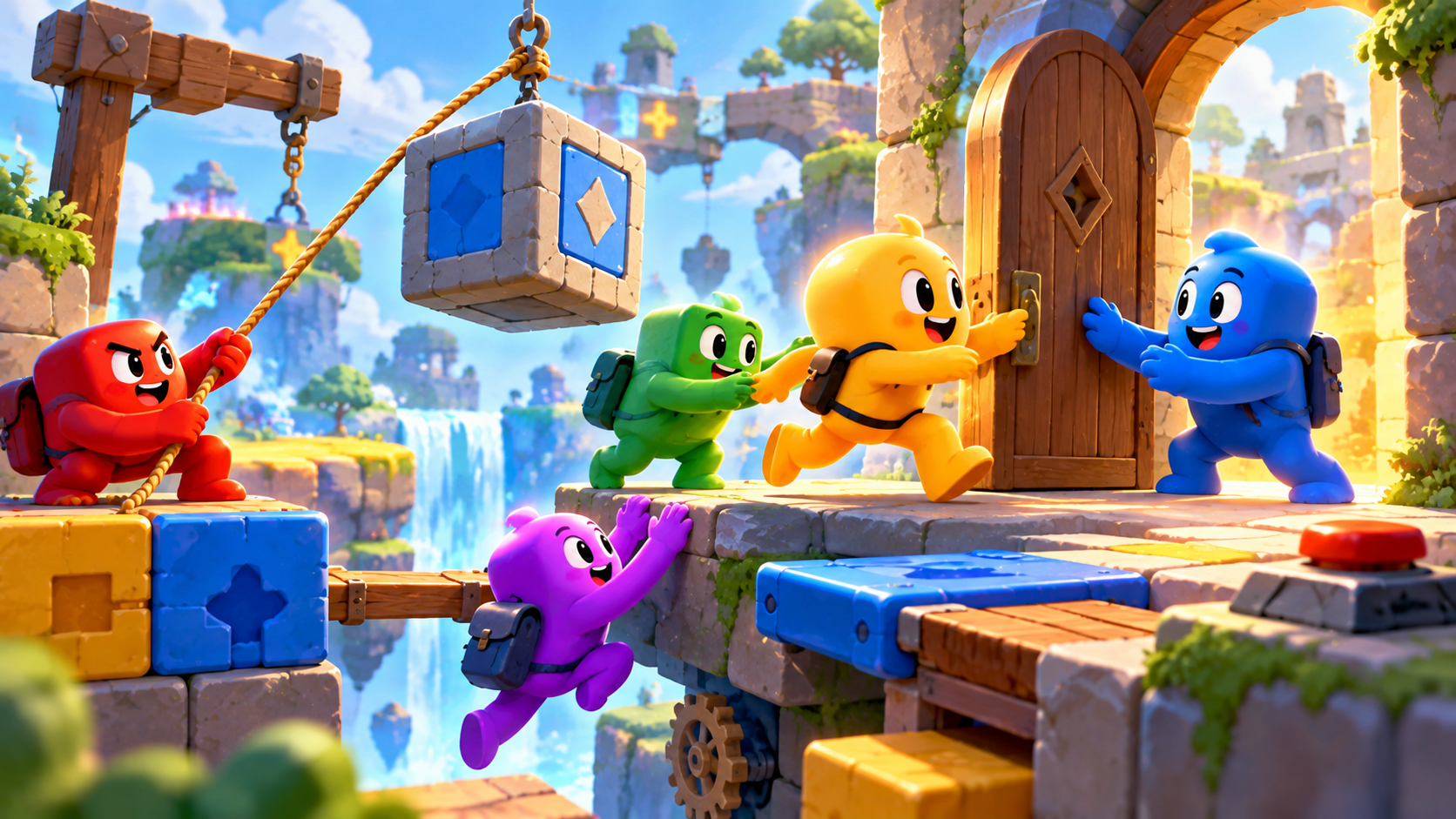
5. Co-Op Puzzle and Adventure Games
Work together to solve puzzles or defeat challenges. Teamwork games are great when you want to cooperate instead of compete.
How to Organize an Online Game Night
- Choose a time: Check everyone's time zone and pick a time that works for all.
- Pick a game everyone can run: Choose a browser game that works on every friend's device.
- Create a room: Look for options like Create Room or Play With Friends.
- Share the invite: Send the room link or code via WhatsApp, Discord, or Instagram.
- Set up voice chat: Use a call app on the side if the game has no built-in voice.
- Agree on rules: Decide on the number of rounds or points so everyone knows what to expect.
Tips for a Lag-Free Experience
- Use a stable Wi-Fi connection or wired internet.
- Close downloads and streaming apps during the match.
- Update your browser before game night.
- Ask all players to close extra tabs.
- If one person lags, switch to a turn-based game.
Good Online Gaming Etiquette
- Be kind and respectful to everyone, including new players.
- Avoid spamming chat or using offensive language.
- Do not share personal information with strangers.
- Congratulate winners and encourage losers.
- Report and block anyone who behaves badly.
Playing With Friends vs Strangers
Playing with friends is more relaxed because you know each other's pace. Playing with strangers can be exciting and competitive, but it is wise to use a nickname, avoid private chats, and take a break if the atmosphere feels unfriendly.
Frequently Asked Questions
Do all players need an account?
Not always. Many browser games let you join with a nickname instead.
How many friends can play together?
It depends on the game. Some support just two players, while others allow large groups.
What if one friend has a slow connection?
Choose turn-based or card games, which stay smooth even with slower internet.
Bring Everyone Together
Distance should never stop a good game night. Pick a title from the multiplayer collection at unique100.com, share the link, and start playing with your friends today.