
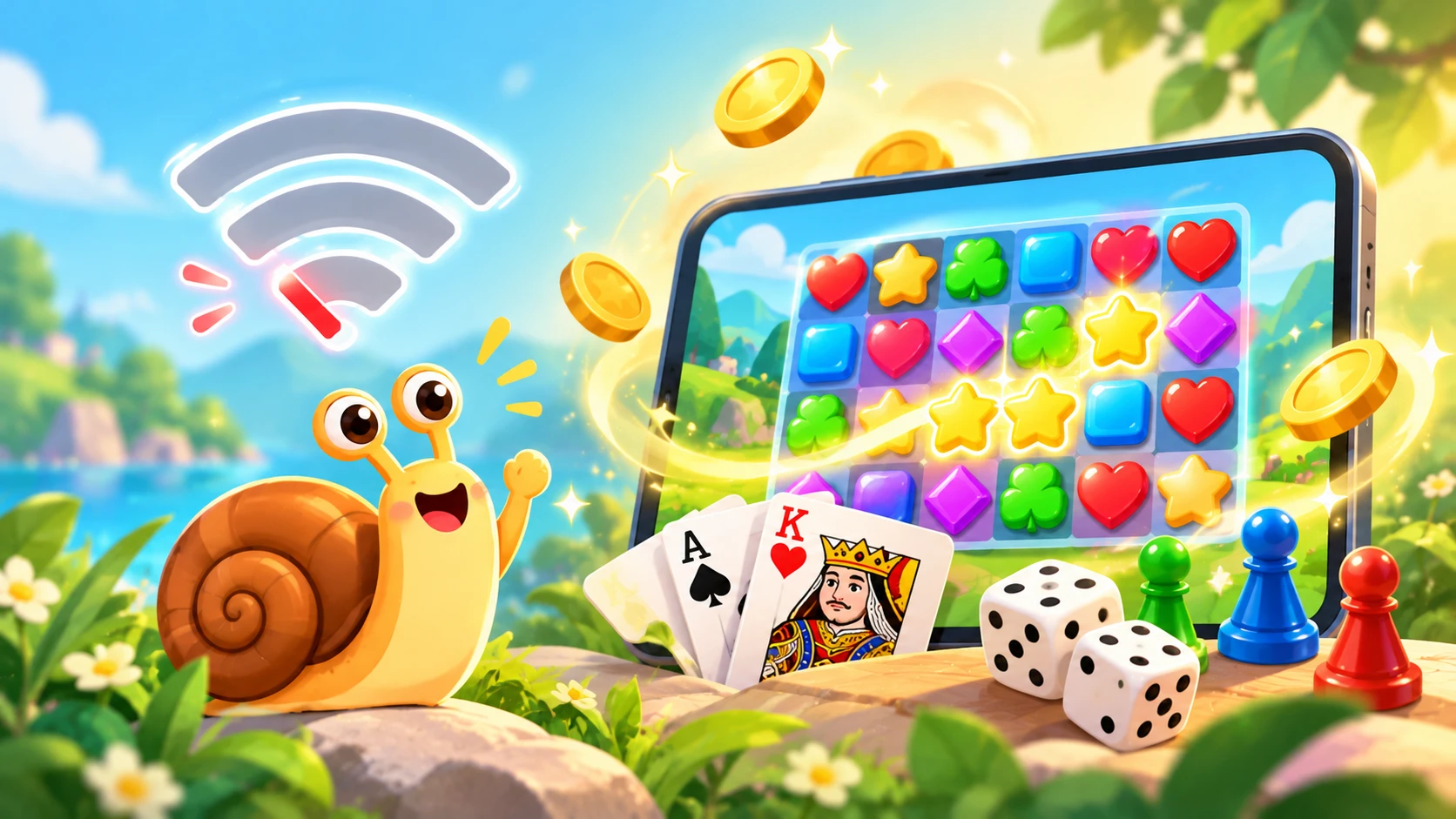
A slow or unstable internet connection can make gaming frustrating. Long loading times, sudden disconnects, and laggy matches are common problems, especially on mobile data or in areas with weak signals. Luckily, many browser games are light enough to run well even on slow connections, and some can keep working after the first load.
Here are 10 game ideas that suit slow internet, plus practical tips to make the most of limited bandwidth.
What Does Offline-Friendly Mean?
Offline-friendly games load quickly, use very little data, and keep working smoothly after loading, because the game files are already stored in your browser for the session. Please note that true offline play depends on how each game is built, so some games still need a connection for features like saving scores or multiplayer.
10 Game Ideas for Slow Internet
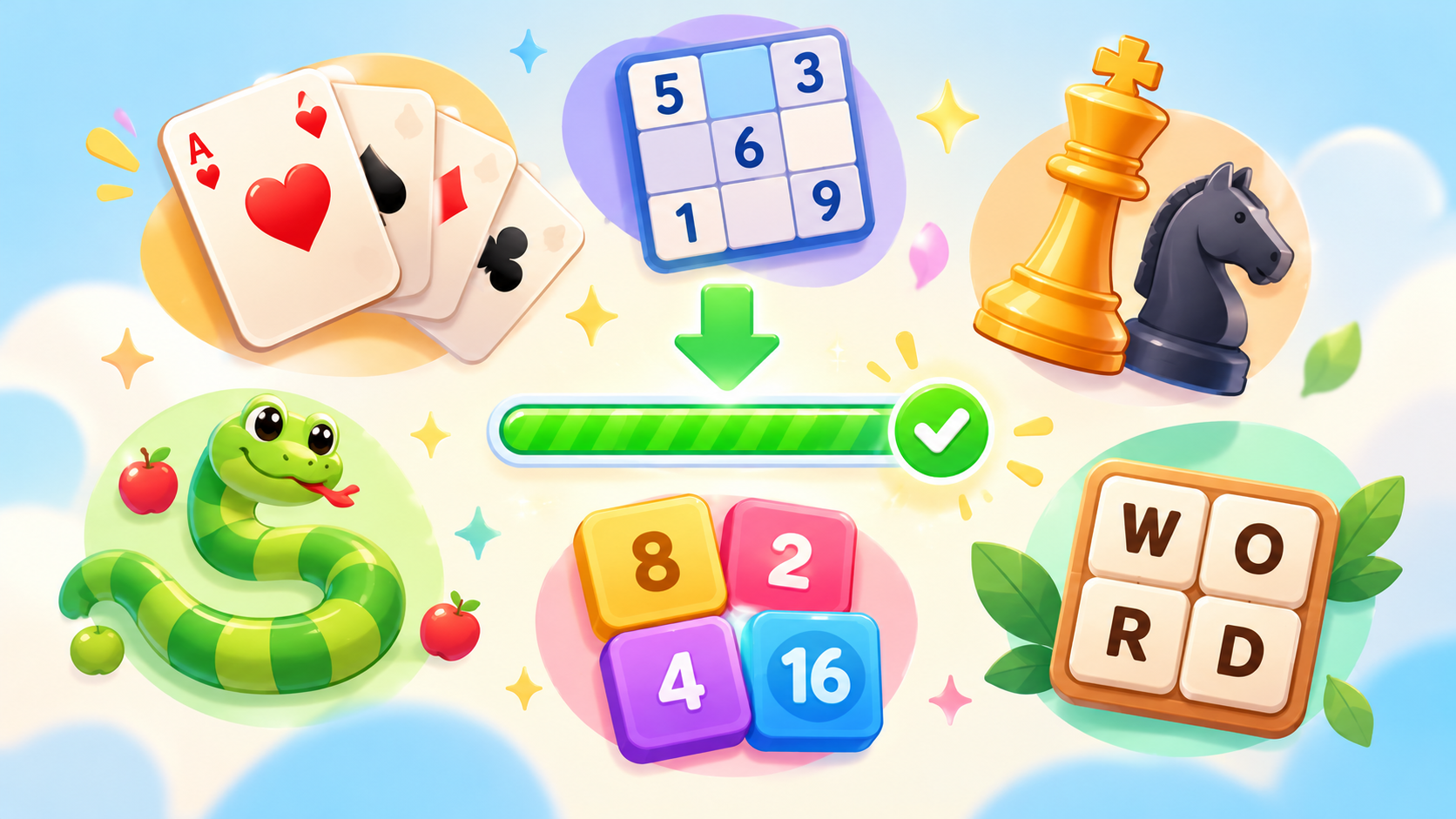
1. Solitaire and Card Games
Card games are tiny in file size and mostly need no constant connection once loaded.
2. Sudoku
A number grid and some logic. It uses almost no data and is perfect for weak connections.
3. Chess Against the Computer
Single-player chess runs locally in your browser and does not need a fast connection.
4. Memory Match Games
Simple card-flipping games with minimal graphics that load quickly.
5. Sliding Puzzles
Small, simple, and lightweight, with no heavy assets to download.
6. Snake and Other Retro Classics
Tiny pixel-art games that load almost instantly and run smoothly.
7. Number Merge Games
Tile-based games need very little graphics data and work well in slow conditions.
8. Word Search Games
Text-based puzzles are among the lightest game types you can play.
9. Idle and Clicker Games
Menu and number driven, these games use little data and continue to run after the first load.
10. Simple Arcade Games
Basic 2D games, such as brick breakers and jumpers, are small and fast to open.
Tips for Playing Games on a Slow Connection
- Load the game once and keep the tab open: Refreshing forces another download.
- Wait for full loading: Starting too early can cause missing graphics or errors.
- Choose small, 2D games: They download faster than 3D titles.
- Avoid other heavy usage: Pause streaming and large downloads while you play.
- Use Wi-Fi when possible: It is often more stable than mobile data.
- Move closer to the router: A stronger signal means fewer interruptions.
- Add a game to your home screen: If supported, this can improve loading on later visits.
- Clear unnecessary tabs: Too many tabs can slow loading and use extra data.
Games That Do Not Suit Slow Internet
- Real-time multiplayer action games
- Large 3D games with big downloads
- Games that stream videos or heavy audio
If your connection is weak, save these for when you have a faster network.
Saving Mobile Data While Gaming
- Pick games with small file sizes.
- Avoid repeatedly reloading the same game.
- Turn off auto-play videos and background sync.
- Play on Wi-Fi when you can.
Frequently Asked Questions
Can browser games work completely offline?
Some can after the first load, especially simple single-player games. Others need a connection, so it is best to test a game you plan to use.
Why does my game keep reloading?
Usually because the connection dropped or the page was refreshed. Keep the tab open and avoid refreshing.
Do light games look worse?
Not necessarily. Many lightweight games use clean, stylish graphics that load fast and look great.
Great Gaming Does Not Need Fast Internet
With the right choices, even a weak connection can deliver hours of fun. Browse the lightweight games at unique100.com and start playing without long waits.